|
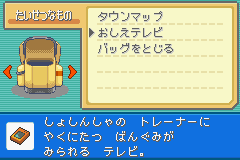
You can start the Help feature by opening up your bag. Choose the "Communication Box".
|
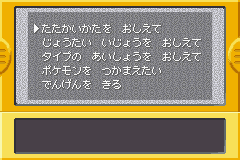
|
Then you select the option you need help with.
|
|
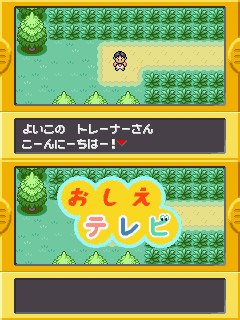
Then, a character (rumoured to be your brother) appears to introduce the question, and starts answering it.
|

|
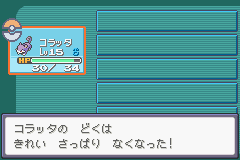
He can teach anybody the basics of battling Pokemon; such as what certain ailments mean, and how to switch Pokemon.
|

|
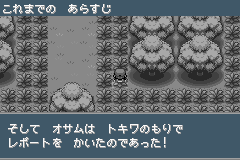
When a question is answered, it is shown in a black and white screen.
|
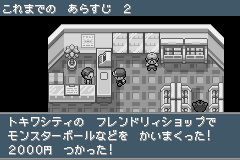
|
Here, the question "How do I purchase PokeBalls?" is being answered.
|

|
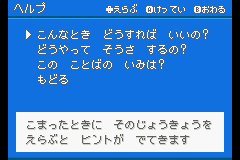
You can reach the other Help Feature by pressing the L button. Then a list of pre-made questions pops up. Then you choose from the set of pre-arranged questions.
|

|
Here is the answer to the question given.
|